
Roll over image to zoom in
Click to expand


Secure Transaction
Key Information
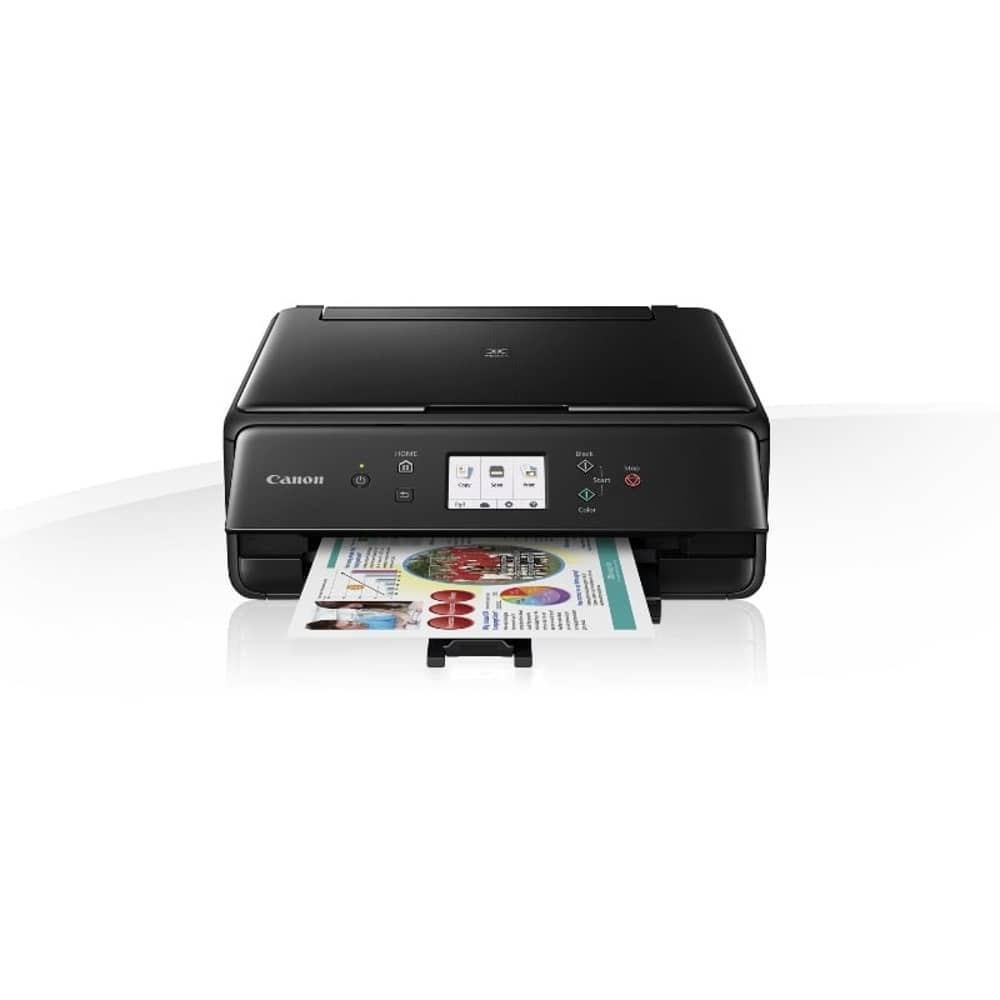
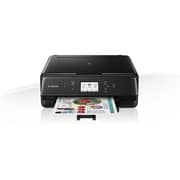
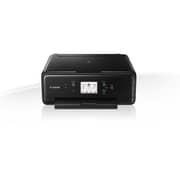
- Type: Color Multifunction Printer
- Good quality text and graphics created by minute jets of ink. Good for home & casual usePrint Technology: Inkjet
- Functions: Print, Copy, Scan
- Print Speed: Up to 10 ipm color, Up to 15 ipm mono
- The printer connects to your Wi-Fi network and enables you to print documents wirelessely from various devicesWiFi: 802.11 b/g/n
- Slots to print documents directly from a flash drive or other USB devicesUSB: Hi-Speed USB 2.0
- Color: Black
Details
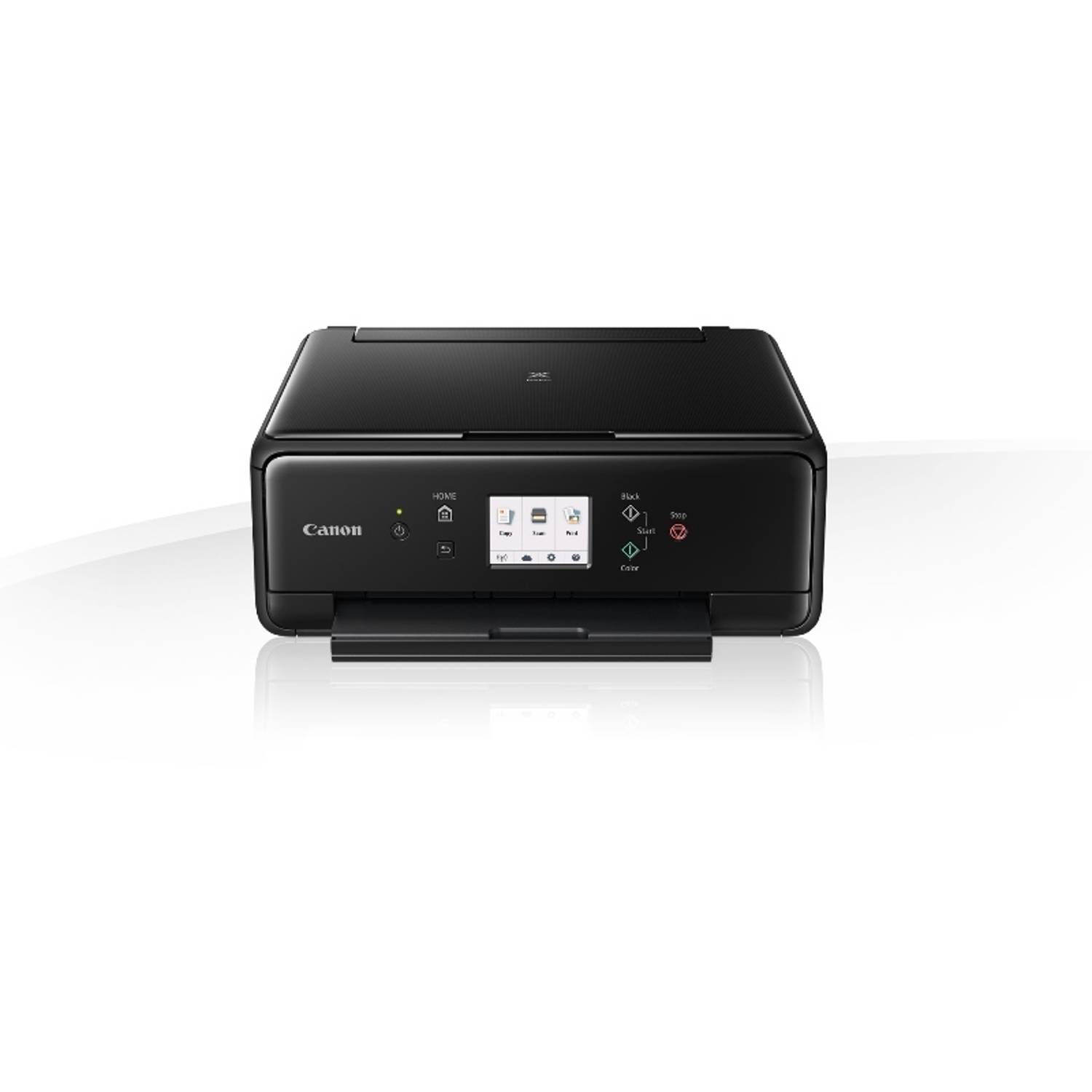
A compact, desk-friendly printer, scanner and copier with multiple connectivity options. Fast, high-quality photo and document printing, plus an intuitive 7.5 cm (3”) LCD touchscreen.
The ideal multi-purpose home printer
Print scan and copy, all from this single compact document and photo printer. Produce beautiful photographs and crisp text documents over USB cable or Wi-Fi. Canon’s FINE inkjet print technology and 5 single inks bring convenience, cost savings and great-looking prints.
Small footprint
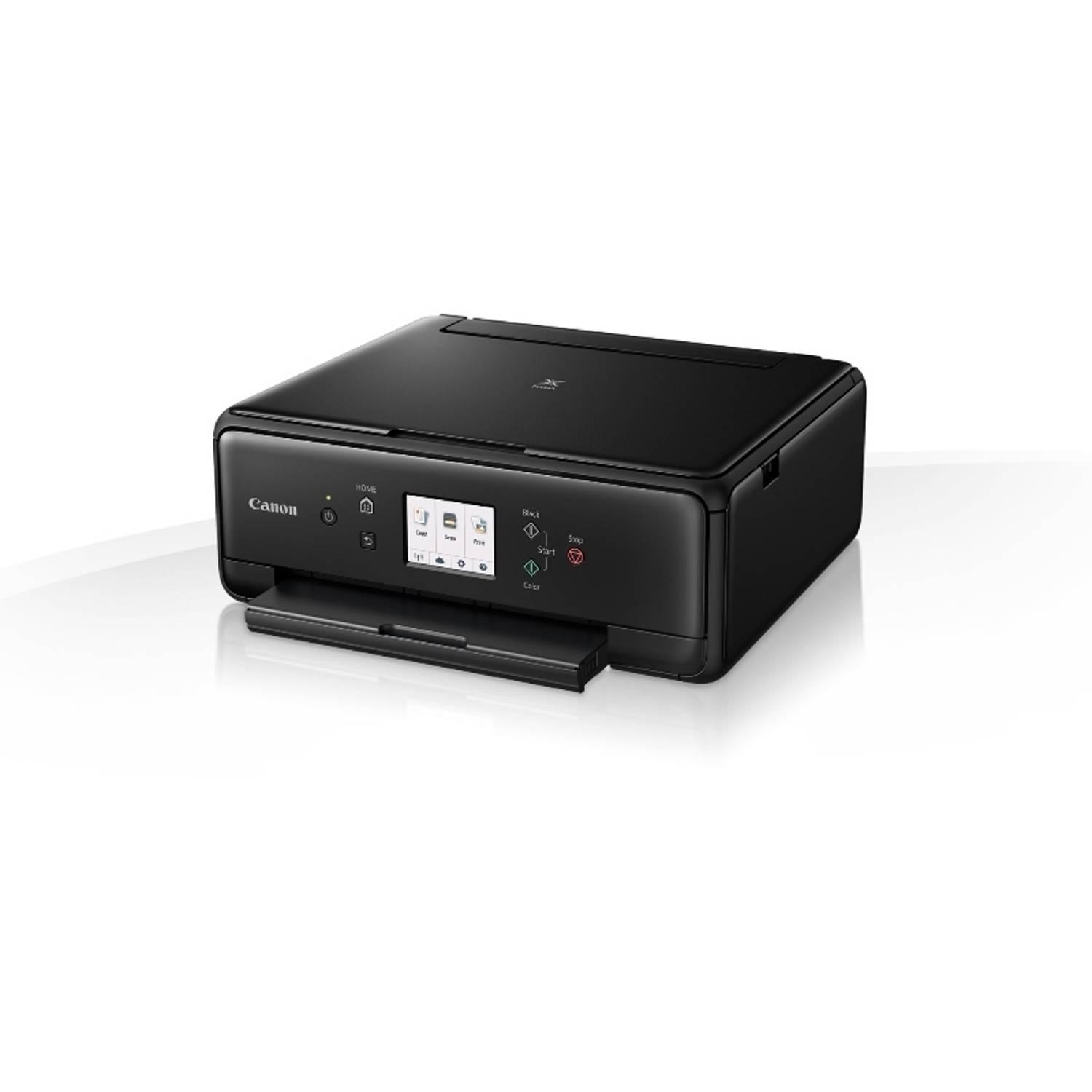
Experience a completely reimagined styling and reduced form factor, approx 30% smaller than previous equivalent models. Clever contrasting textures, rounded corners and tapering contours make the printer’s already-small frame appear even smaller. A superb printer inside and out.
Print from your smartphone, tablet, or camera
It’s easy to print from your smartphone, tablet or computer, featuring support for Mopria for Android, Apple AirPrint, Google Cloud Print, Windows 10 Mobile and the Canon PRINT app for iOS and Android, plus multiple Wi-Fi options. Print your photos directly from Wi-Fi cameras, making photo printing quick and easy.
Simple touchscreen interface
Every function is close to hand with the manually adjustable front panel, featuring a 7.5 cm (3) touchscreen and clean, simple interface. Print, copy, scan, and cloud functions are now all accessible from a single home screen no need to spend time scrolling to find what you need.
Use your favourite cloud service
Using PIXMA Cloud Link, accessed through the Canon PRINT app or via the printer’s touchscreen, print from popular social network and cloud services including Facebook, Instagram, Google Drive, Dropbox, OneDrive and many more. You can even upload scanned documents and photos to Google Drive, OneDrive and Dropbox.
Keep costs low
It won’t cost the earth to run. Use the optional high-capacity Canon XL ink cartridges and you’ll save as much as 30% per page compared to their standard equivalents. The 5 single ink cartridges mean you’ll only need to replace the colour that has run out.
Creative software
Get inspired with CREATIVE PARK and CREATIVE PARK PREMIUM. Design and print greeting cards, calendars, photo collages and stunning 3D paper craft animals, toys and landmark buildings.
Square paper and dual feeder
Use Canon PIXMA Cloud Link to connect Instagram and print square photos with Canon’s 13×13 cm (5×5) Photo Paper Plus Glossy II square media support. Dual paper feeders mean users can simultaneously load photo paper in the rear feed whilst keeping plain paper in the front cassette.
Product Specifications
Loading...
Loading...